Github Link
Background
In my first year of University, we were tasked with creating something with an Arduino board and some components. I went overboard and wrote a clone of asteroids.
I’ve posted this one in particular as I’m particularly proud of it. The codebase is one script, I didn’t know about Object Oriented Programming at the time (2019), but still I had a lot of fun with it.
Gallery
This was the halfway point. Hadn’t added in the sounds, scoring or collision in.
This is the finished Asteroids. The movement is controlled by a potentiometer.
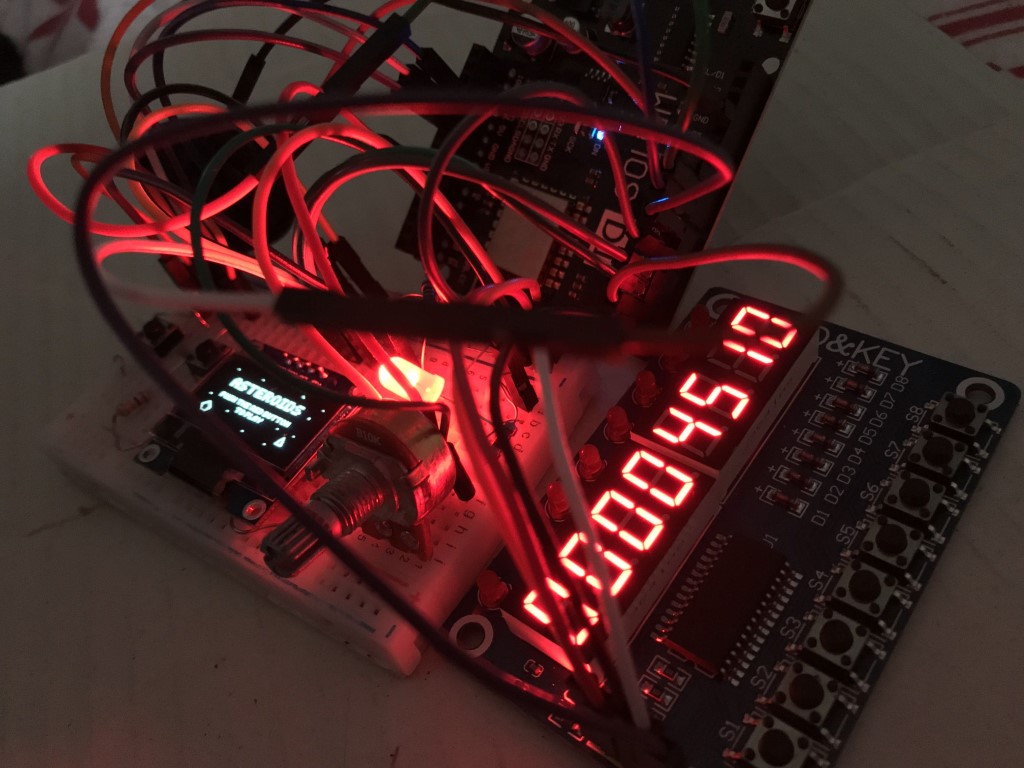
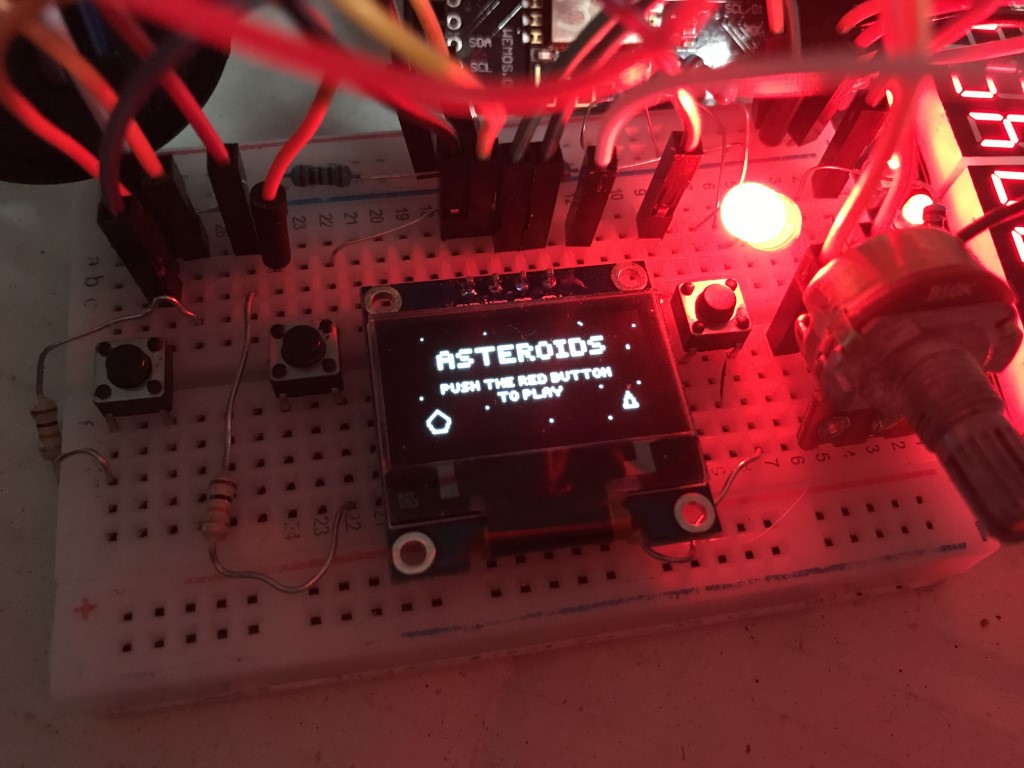
Asteroids (Arduino)
Info
This is what I wrote about the project at the time, and what I submitted as part of my assignment.
As part of my first year CHAOS module (Computer Hardware Architecture and Operating Systems), I needed to make something using provided Arduino kits. I settled on Asteroids since it seemed complicated enough that I would need to utilise the mathematics I was learning as well, all completely from scratch.
The game is made up of several components. The input includes 3 buttons for movement, shooting and toggling the menu/game state and a potentiometer for handling rotation. It also uses a module that contains 3 parts:
- LEDs - Used to display life count
- 7 Segment Display - Used to display score/high score
- Buttons - Unused, except for one of them used to reset the high score
The game also makes use of the 512 bytes of permanent storage that comes on the board to store the high score. Given the memory is limited to 100k read/writes, I made sure to only call for a write or read when absolutely required.
Finally, I made use of a speaker to play simple auditory tones for shooting, destroyed asteroids and death.
I began with the players triangle. I didn’t create a class for the player since I was only going make one instance of them, but in retrospect, it would’ve made things a little bit easier. I started with a simple struct to properly work with coordinates, and assigned the player an array of 3 of them for their 3 points. Then for movement, I wrote 2 functions for rotation and translation that use 2D matrix transformations.
Early on, I was doing everything with integers, which quickly proved to be a problem since it gave no room to slow things down in a way that would play nice.
Then I needed to figure out which way the player was facing. I didn’t learn the elegant solution for this, so my bodging began. Here’s how I did it:
- I determined what I needed was a header vector, and found I could get it from the slope of a line.
- I obtained the players slope by using the tip of their triangle, and the point between the 2 points at the back of the triangle by finding their difference.
- I calculated the tangent of the slope, which proved to not give me the exact result I wanted, but a result that changed based on which quadrant I was facing in.
- I realised I could adapt this result to actually give me the result I wanted by figuring out which quadrant the player was facing and adapting the number accordingly.
- After a small setback caused by not realising that the library was using an inverted y-axis, a remnant of the electon rod, I was able to successfully return the radian rotation of the player.
- And finally, I used the sine and cosine of the rotation to return the players header vector.
The bullets and asteroids were easy to do. I created classes to hold all their variables, and wrote for loops to handle all of their behaviours, namely their movement and their collision detection.
Collision was done with a fairly cheap trick: I only needed to check the collisions of the asteroids since I didn’t want the bullets to collide with the player. For both, since the asteroids are just circles drawn as pentagons, all I needed was their center and their radius to identify if a point was inside of it or not. Once that was done, I ran that check on all asteroids, checking each bullet and each player point for proximity, and ran the according code.
The best part for me was writing the game mode code. The score, lives, beeping, and all of the mechanics the user toys with was the most enjoyable bit especially after swimming in an ocean of mathematics for 3 days. It’s fairly simple in its functionality.
The bitmaps were drawn by me and converted to Arduino code using the first online tools I could find. For the art, I used https://pixilart.com and for the conversion, I used javl.github.io/image2cpp.